Campaigns
Social and campaign variants
Swap products, offers, names, dates, and approved media.
Create the MOGRT in After Effects. Your team changes content in a browser. Your own machine renders the result.
Start for free See how it worksOne controlled workflow
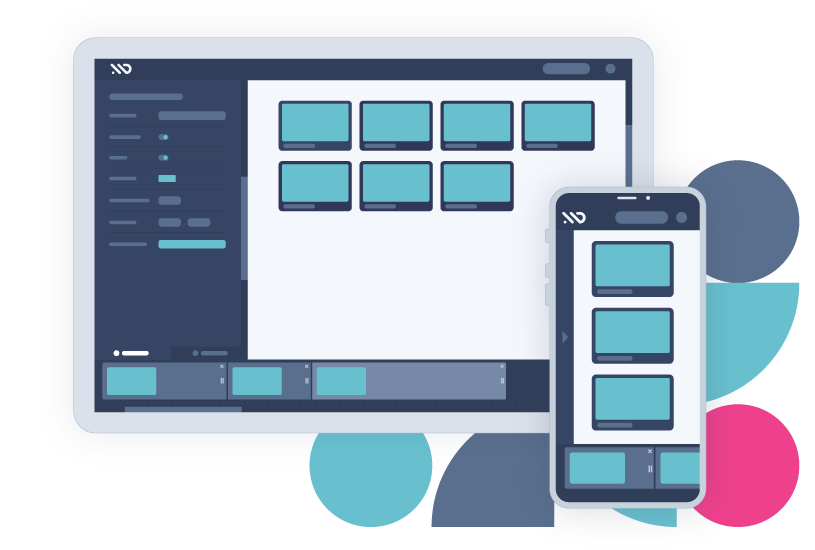
You define the editable controls. Your team supplies the content. MoDeck connects the two.
Where MoDeck shines
Campaigns
Swap products, offers, names, dates, and approved media.
Localization
Keep the animation consistent across every market.
Data
Turn CSV, Google Sheets, or JSON rows into videos.
Self-service
Share the template without sharing the project file.
How it works
In After Effects
Add the editable controls to Essential Graphics and export the MOGRT from After Effects.
In the desktop app
Place the MOGRTs in a named sync-folder template. MoDeck publishes their controls online.
In the browser
Invite editors to change content by hand or generate a batch from data.
Back on your machine
The desktop app assembles the edit in After Effects, renders it, and can return the finished file.
Need the details? Read the complete setup and workflow guide.
A precise fit
MoDeck shines when the design is settled and the content changes often. It is a template editor and render coordinator, not a freeform editor or cloud render farm.
Owner After Effects + desktop app
Editor Browser only
Output Rendered on your machine
modk-preview comments or markers. How previews work.The local half of the workflow
The free desktop app syncs templates and handles browser preview and render requests.
Download the desktop app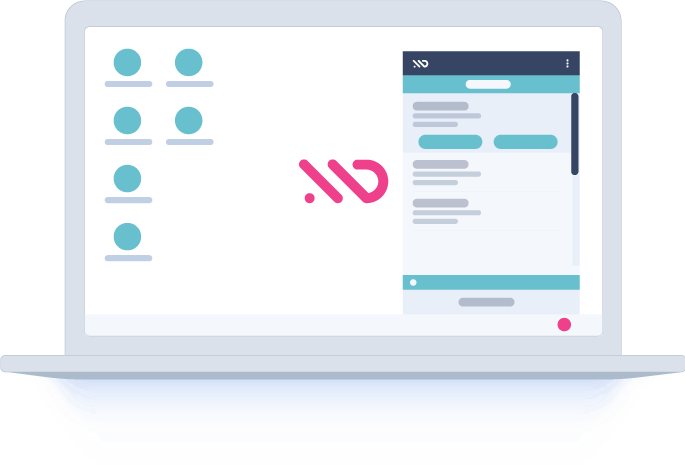
Plans
Try the complete workflow free for 15 days, then choose the limits your team needs.
| Compare plansPrices in USD, excluding tax | |||
|---|---|---|---|
| Templates | 2 | 5 | Unlimited |
| Invited editors per template | 1 | 3 | Unlimited |
| MOGRTs per template | 3 | 8 | Unlimited |
| Videos per data-driven batchCSV or Google Sheets rows | 3 | 30 | 100,000 |
| Connected desktop render appsSigned in to the same owner account | 1 | 4 | 8 |
| Sequence and Journey browser editors | Included | Included | Included |
| Automated rendering through After EffectsRuns on your connected machine | Included | Included | Included |
| Template logic and predefined sequences | Included | Included | Included |
| Scheduled data-driven renders | Included | Included | Included |
| Text-to-speech generation | Included | Included | Included |
| API access | Included | Included | Included |
| Template sharing by email invitation | Included | Included | Included |
| Unlimited text-to-speech usage | Not included | Included | Included |
| Multi-video batches from JSON arrays | Not included | Not included | Included |
| Unlimited API usage | Not included | Not included | Included |
| Reusable editor groups | Not included | Not included | Included |
| Magic Links for account-free editingIncludes render-request approval controls | Not included | Not included | Included |
| Editor embedding on your own site | Not included | Not included | Included |
| Custom editor colors and logo | Not included | Not included | Included |
| Send notifications from your own addressUses your SMTP account | Not included | Not included | Included |
| Fully custom notification emails | Not included | Not included | Included |
The Free Trial lets you create and render templates for 15 days. Pro and Enterprise subscriptions can be billed monthly or yearly.
API calls use account credits on the Free Trial and Pro plans. Enterprise API usage is unlimited, subject to fair-use request rate limits.
Enterprise includes unlimited local rendering. A single CSV or Google Sheets batch accepts up to 100,000 rows; your hardware determines how quickly it finishes. See data and batch limits.
See whether MoDeck fits your team’s workflow
Subscribe directly in account settings, or purchase through aescripts and activate the license key in your account.

